Contact Us

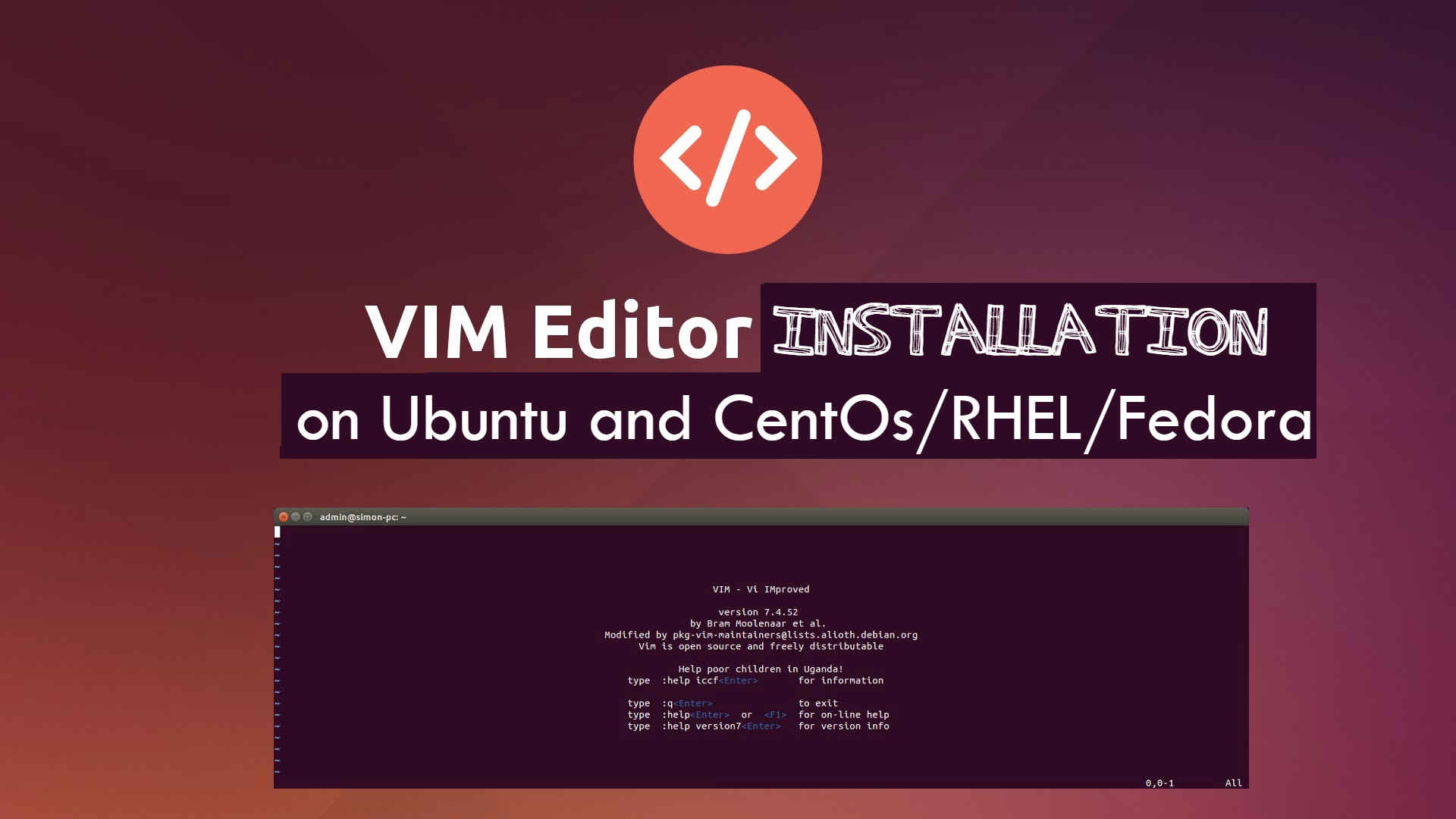
How to Install Vim on Ubuntu, CentOS & RHEL (Step-by-Step Guide 2026)

What is the VIM editor, and How to install on Ubuntu and CentOs/RHEL/Fedora
Vim is one of the most powerful and widely used text editors in Linux systems. Whether you’re working on servers, writing configuration files, or managing code remotely, Vim is an essential tool for developers and system administrators.
In this guide, we will cover and try to learn how to install Vim on Ubuntu, CentOS, and RHEL using simple command-line methods. This tutorial is updated for 2026 and works on modern Linux distributions.
We will cover:
– Installing Vim using package managers (recommended)
– Installing Vim from source (advanced method)
– Verifying installation
Let’s get started.
Scenario:
My Server IP: 192.168.1.188
OS: CentOS 5/6/7 and Ubuntu
We will install VIM with two methods:
- Install VIM with Repository
- With Compiling Source Code
Method 1: VIM Installation With Repository:
In this process, we will yum predefined system-based repository to install VIM.
For CentOS / RHEL / Rocky / AlmaLinux:
To install Vim, you need to run the following Command on a YUM-based OS
## For newer systems (dnf-based)
sudo dnf install vim -y

# For older systems (yum-based)
sudo yum install vim -y
For Ubuntu / Debian, run the following:
# sudo apt update
# sudo apt install vim -y
With the successful note, we have successfully installed VIM on our machine and it can be verified with the below command
## Verify Vim Installation
vim --version
Method 2: # Install Vim from Source (Advanced Users)
Here is the process to install VIM if you like to go with the compilation process using development tools. First, we need to download the Vim source from the Git repository
# git clone https://github.com/vim/vim.git
# cd vim
#./configure --with-features=huge --enable-multibyte --enable-rubyinterp=yes --enable-pythoninterp=yes
--with-python-config-dir=/usr/lib/python2.7/config
--enable-python3interp=yes
--with-python3-config-dir=/usr/lib/python3.5/config
--enable-perlinterp=yes
--enable-luainterp=yes
--enable-gui=gtk2 --enable-cscope --prefix=/usr
# make VIMRUNTIMEDIR=/usr/share/vim/vim80
Vim Command Line Arguments:
Vim arguments are listed in this table:
Command usage: vim [arguments] filename1 [filename2 …]
–cmd {command} -v –help -L -R
| Arguments | Description |
| +[num] | Open editor with the cursor on line “num”. If “num” is not specified, the cursor will be on the last line of the file. |
| +/{pat} | Open editor with the cursor on the first occurrence of {pat}. |
| -c {command} | A “ex” command in double quotes will be processed against the file specified. |
| -b | Binary file mode. |
| -C | VI compatibility mode. Loses the more advanced vim features. |
| -d | Diff file mode. Must list all files to perform a diff upon (list 2, 3 or 4 files). Same as vimdiff. |
| -g | GUI gvim mode (if compiled in and available). |
| -h | Print help messages. Also, see vimtutor |
| -i filename | Specify viminfo file. Default is ~/.viminfo |
| -r | Recovery mode. Used after a crash. The “.swp” file is used. See “:help recovery”. |
| -M | File modifications and write not allowed. |
| -n | Prohibit “.swp” file generation. Required for special devices of limited space. |
| -x | Use encryption when writing files. Will prompt for a crypt key. |
| –noplugin | Skip loading plugins. |
| –version | Print vim version. |
Frequently Asked Questions (FAQ)
1. How do I check if Vim is installed on Linux?
You can check if Vim is installed by running:
vim --version
# If Vim is installed, it will display version details.
What is the difference between Vi and Vim?
Vi is the original text editor, while Vim (Vi Improved) offers advanced features like syntax highlighting, better navigation, and plugin support.
Can I install Vim on Ubuntu without root access?
No, installing Vim system-wide requires sudo or root privileges. However, you can compile it locally if needed.
Why is Vim not found after installation?
This usually happens if Vim is not installed correctly or not in your system PATH. Try reinstalling or check using:
which vim
What is the basic command to open a file in Vim?
To open a file in Vim, use:
vim filename.txt
If you’re setting up a web server, you may also want to learn how Nginx works and how to optimise it for performance.
How Nginx works:
https://kapendra.com/what-is-nginx-learn-about-its-working-and-why-to-use-it/
For managing Node.js applications in production, you can explore how to use PM2 for process management on Linux systems.
Use PM2 for process management:
https://kapendra.com/learn-nodejs-app-management-and-getting-started-with-pm2-on-rhel-centos-6-7/
For more details and advanced configurations, you can visit the official Vim documentation.
official Vim documentation
https://www.vim.org/docs.php
For More Stay Tuned with kapendra.com and its YouTube Channel
Subscribe on Youtube |
|

Trending now